Culture
Boardroom Security Checklist After the OpenAI Bugging Case
An encrypted audio recorder, which prosecutors say was plugged into the back of a TV around Sept. 28, was found in an OpenAI executive conference room on or about Sept. 30. This post separates what is confirmed from what is alleged, then turns the case into a meeting-security checklist any mid-sized company can run.
Optinode Team · · 8 min read

What is confirmed, and what is still an allegation
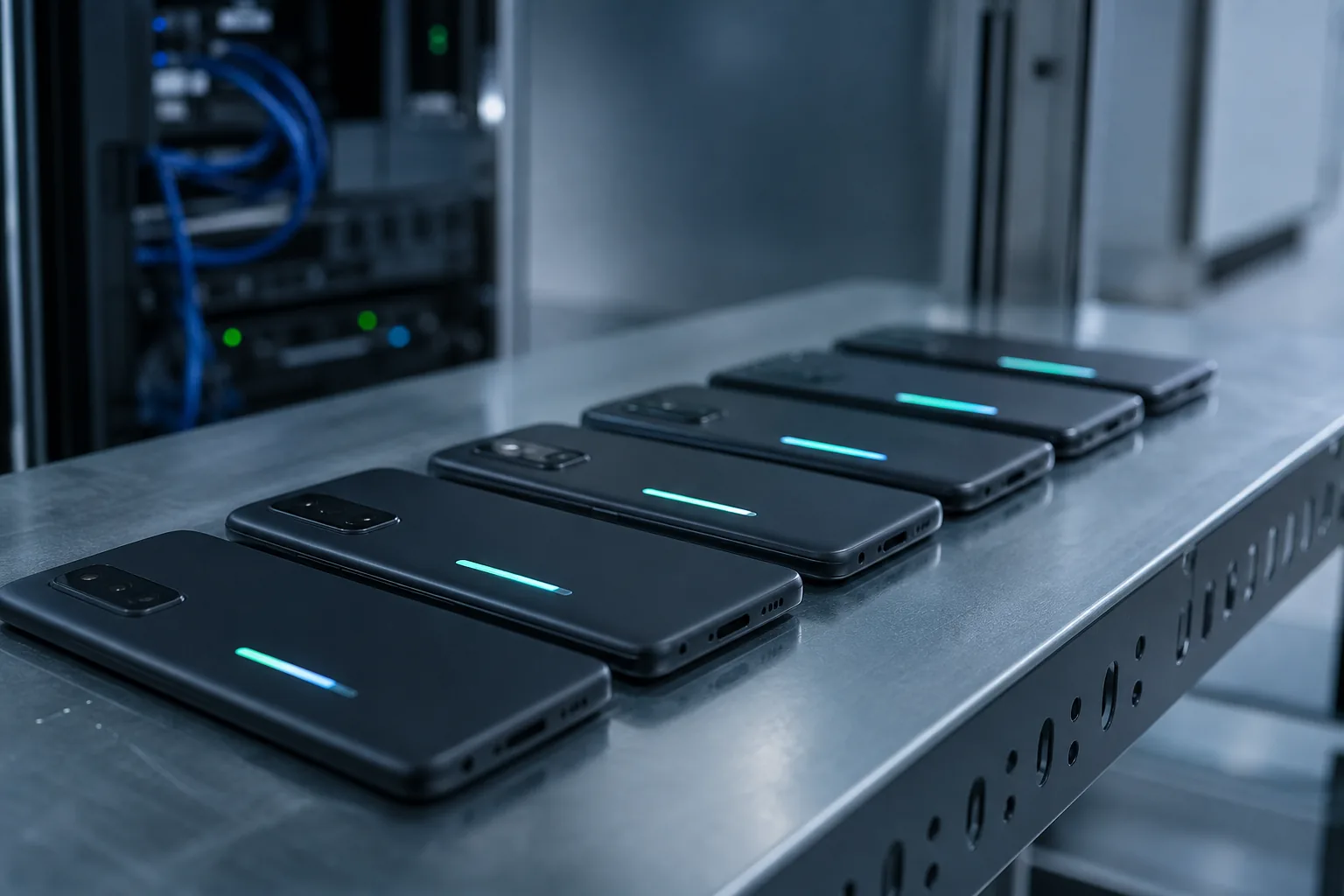
The bare facts are short. According to the Justice Department, OpenAI staff found an audio recorder wrapped in toilet paper and plugged into a USB port of a TV in an executive conference room in San Francisco. It was installed on or about Sept. 28 and found on or about Sept. 30. The San Francisco Chronicle describes it as an encrypted recording device, and the Justice Department says meetings in that room often covered highly confidential, nonpublic information.
Engineer Abdulrahman Alfozan, 35, was arrested on Oct. 9 and first appeared in federal court in Northern California on Oct. 13. He is charged with trying to use a device to intercept oral communications. OpenAI fired him and says it has no indication that model weights, source code or customer data were accessed or taken.
Almost everything beyond that is a claim from prosecutors or the company: the CCTV sightings, the searches, the planned extra bugs and the motive. FBI Director Kash Patel wrote that the man allegedly wanted to capture sensitive communications about the company's superintelligence technology. Fox Business reports prosecutors saying OpenAI security found a second, similar recorder the same day, and the SF Standard specifies that prosecutors say he left another one unattended in his bag.
His lawyer, William Pernik, told CBS that his client is presumed innocent and warned against jumping to conclusions or politicizing the case over nationality. That is a fair warning, and nothing in this post depends on the outcome of the case. The lessons come from how a device could end up in a sensitive room, not from who is ultimately found responsible.
Why the method matters more than the headline
Strip away the AI-company glamour and the alleged concealment was low-tech: a recorder, a USB port on the back of a TV, some toilet paper. Nothing in the reports describes a network intrusion. If your office has a meeting room with a screen whose ports face the wall, it has the same blind spot.
The more uncomfortable detail is the access pattern. According to the complaint, CCTV placed the suspect near the room on nearly a dozen occasions the month before, although he had no authority to enter it or join its meetings. Prosecutors also say he searched for information on buildings, meeting rooms, calendars, executive locations and external partners. If the complaint is accurate, the warning signs were there. Whether anyone was watching for them in real time is a different question.
That is the takeaway I would give any management team. The alleged threat here was not an outside operation but someone who already had a badge and could walk past the door. HR outlet HCAMag framed the case as raising hard questions for people leaders about workplace security and access control, and I think that framing is right: treat this as an insider problem first and a technology problem second.
Physical checks for rooms where sensitive meetings happen
You do not need a counter-surveillance contract to raise the bar. Much of the value comes from boring, repeatable checks done by someone who knows what the room should look like. A routine visual check of ports behind screens is a cheap way to look for this type of placement.
Be honest about the limits. A visual check will not find a well-built device inside a wall or a ceiling fixture, and a determined insider with time can beat in-house routines. If your meetings involve acquisitions, litigation or regulated data, a periodic professional sweep is worth pricing. For everyone else, the list below covers the simple, obvious attack paths.
- Photograph the room in its clean state: behind screens, under the table edge, around power strips and vents. Compare before high-stakes meetings.
- Disable or physically block unused USB ports on displays, conference phones and docking stations.
- Keep the room locked when not booked, and log badge access separately from general office doors.
- Review CCTV or access logs for repeated visits by people who are not on the room's meeting invites.
- Treat any new object in the room (charger, adapter, decorative item) as unknown until someone can say who put it there.
- Assign one named person, not 'facilities', to own the room's condition.
Device rules for the people inside the room
Hidden recorders make headlines, but every sensitive meeting also fills up with microphones people bring in openly. Laptops with open calls, phones with voice assistants, smartwatches, a personal AI note-taker someone installed without telling IT. Each one is a microphone you did not plan for.
For the small set of meetings that are genuinely sensitive, a phone box at the door is a reasonable rule. I suspect it feels theatrical the first time and normal soon after. Applied to every meeting, though, it gets ignored and loses credibility, so keep it for the rooms and agendas that warrant it.
The practical middle ground is a short allow-list: which recording or transcription tools are approved, who may start them and for which meeting types. Anything not on the list stays off. It will not stop someone acting in bad faith, but it removes the ambiguity that lets well-meaning people record things they should not.
Make legitimate recording visible and agreed
The OpenAI case is about covert recording. The healthy opposite is recording that everyone can see and has agreed to. If you record executive meetings, the invite should say so in writing and the chair should say so out loud before the recorder starts. Recording rules vary by jurisdiction, so the details of notice, consent and retention should come from your counsel and be written into a policy rather than decided meeting by meeting.
A spoken notice works best when it is the same every time, so nobody has to improvise it. A sample line, to adapt with counsel: "This meeting is being recorded and transcribed for the minutes. The record is stored in our approved system, kept for the period set in our policy and shared only with attendees. If you object, or want an item handled off the record, say so now." Keep it short enough that the chair actually reads it.
Exceptions are where policies quietly erode, so decide in advance who approves them. One named person, typically the general counsel or the company secretary, should sign off in writing, and each approval should be logged with the meeting and the reason. Some things should never be an exception: recording without the notice, or recording on a personal device.
A useful habit on top of that: let participants ask for the recorder to be paused for a specific agenda item, and note in the minutes that the pause happened. Board members discussing a colleague's performance or a pending dispute will speak more freely, and the most sensitive part of the meeting will not also be the best-documented.
- Typical exceptions that need sign-off: recording a meeting type that is normally unrecorded, using a tool not on the allow-list, sharing a transcript beyond the attendee list, extending retention.
- Who approves: one named person (general counsel or company secretary), in writing, logged.
- Never an exception: recording without spoken and written notice, or on a personal device.
Where transcripts live, and how to choose cloud or on-premise
Transcripts belong in this checklist for a narrow reason. The alleged aim, per the FBI director, was to capture sensitive communications from that room. A company that records and transcribes its own board meetings creates a version of that capture itself, and text in the wrong shared folder or account can travel with a single link.
There is no universal right answer between cloud and on-premise processing, and this post has no data on how specific vendors handle meeting data. Cloud services are faster to roll out but process content on systems you do not control, so retention and access settings need to be verified rather than assumed. On-premise keeps processing inside your network but moves the work to you: someone has to run and patch the system, and loose internal permissions undo the benefit. My view is that content sensitivity and your capacity to operate the system should decide, meeting type by meeting type.
- Classify meeting types and decide for each whether cloud processing is acceptable.
- Set a retention period and delete audio once transcripts are approved.
- Limit transcript access to attendees by default, and log who reads executive meeting records.
- For any cloud tool, ask in writing how data is stored and retained and whether it is used for model training.
A one-page policy a mid-sized company can adopt this month
My view is that the gap in most mid-sized companies is ownership rather than ideas. The office manager, the IT lead and the CFO can each assume someone else is handling meeting security. A single page, signed off by management, fixes that more than any gadget will.
One more point from the case: OpenAI says it used its own models to understand the device and trace it to a specific employee before handing the matter to the FBI. Most companies cannot do that. What you can do is decide in advance who gets called, who preserves footage and logs, and when the police are involved, so that finding a device does not turn into a week of improvisation.
- Name the sensitive rooms and the meeting types that count as confidential.
- Assign an owner for each room's physical checks and a schedule for them.
- Publish the allow-list of approved recording and transcription tools.
- State the notice wording used at the start of recorded meetings, as approved by counsel, and who approves exceptions.
- Define where transcripts are processed and stored, who can read them and when they are deleted.
- Write a short incident plan: do not touch the device, photograph it, preserve logs, inform the named executive and legal counsel.
Frequently asked questions
- Has the OpenAI engineer been convicted?
- No. He has been charged with trying to use a device to intercept oral communications and has made a first court appearance. His lawyer says he is presumed innocent, and details such as the second device and plans for more recorders come from prosecutors and OpenAI and remain allegations.
- Do mid-sized companies really need to worry about bugged meeting rooms?
- The alleged concealment method in this case was low-tech: a recorder wrapped in toilet paper in a TV's USB port. Any company with confidential board discussions, pricing or personnel decisions has something worth protecting. Basic room checks, port blocking and access logs cost little to set up.
- Is using an AI meeting recorder in the boardroom a security risk in itself?
- It can be if it is unapproved, invisible to participants or stores transcripts somewhere nobody controls. Used openly, with agreed notice, clear access rules and deliberately chosen storage, it becomes a controlled record rather than an unknown one. Whether that is acceptable for your most sensitive meetings is a decision to make explicitly.
- Should sensitive meetings be transcribed on-premise or in the cloud?
- In my view it depends on two things: how damaging the transcript would be if it leaked, and whether you can actually run an in-house system well. This post has no data on vendor practices, so for any cloud tool, verify storage, retention and training use in writing. An on-premise setup with loose internal permissions is not automatically safer.
- What should we do if we find an unknown device in a meeting room?
- Do not unplug or handle it more than necessary. Photograph it in place, secure the room, preserve CCTV and access logs, and inform the executive and legal counsel named in your incident plan, who can decide whether to involve the police.
Sources
- OpenAI employee arrested over hidden listening device, company says (NBC News)
- OpenAI engineer arrested over alleged bugging of executive conference room (San Francisco Chronicle)
- FBI arrests OpenAI employee for allegedly planting recording device in company offices (CBS News)
- Saudi national accused of planting recording device in OpenAI executive conference room (Fox Business)
- OpenAI engineer arrested in bugging of executive conference room (SF Standard)
- FBI arrests OpenAI employee accused of placing recording device in company conference room (WSLS)
- OpenAI engineer charged with bugging executive conference room (HCAMag)
- OpenAI employee arrested after listening device found in SF conference room, FBI and the company say (ABC7 San Francisco)